
For Cricut & pen plotter makers
Turn your handwriting into a font, and any image into a single line.
Make a font from your handwriting, convert any font to single-line, trace any image into draw or cut-ready files, reorder SVGs, and address envelopes, all ready for Cricut and pen plotters.
Free to try, no account needed. Pay only when you keep a font.
Just want to type? Try on a ready-made handwriting font
Every font here was drawn by hand with this tool. Type your own words to test them.
Loading fonts…
Turn your handwriting into a font
Write a few short lines and we split them into letters, or draw letter by letter. Either way you get two fonts: a standard one for type and a single-line one for your plotter.
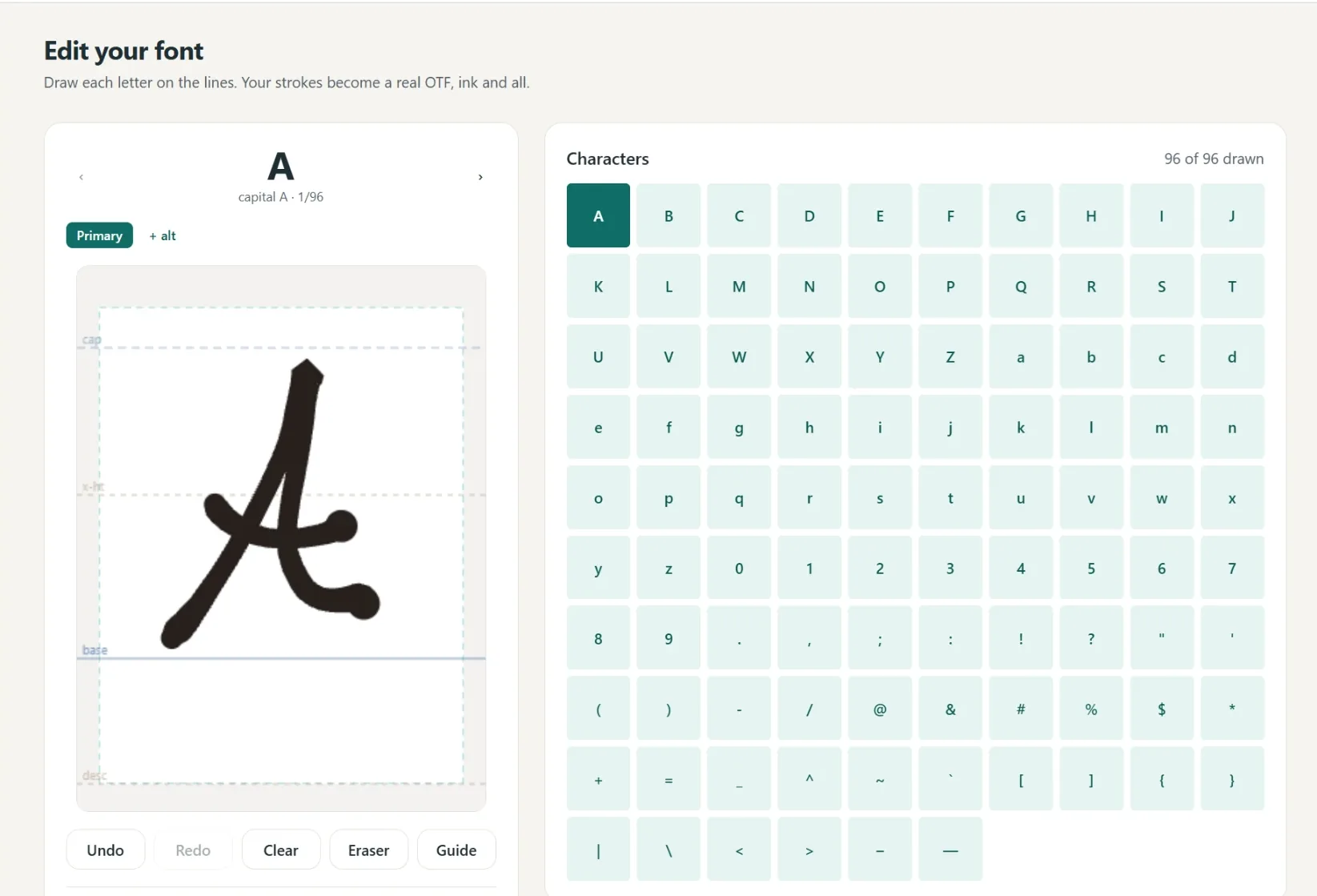
A font in your own hand
- Write full lines, we split out every letter
- Caps, lowercase, numbers and punctuation
- Fine or Bold pen weight, previewed live
- Cursive alternates connect automatically
- 1
Write it
A few short lines, or letter by letter.
- 2
We build it
Strokes become a real font.
- 3
Preview
Test words and pen weight.
- 4
Borders
Auto-spaced, tweak by hand.
- 5
Download
Standard and single-line.
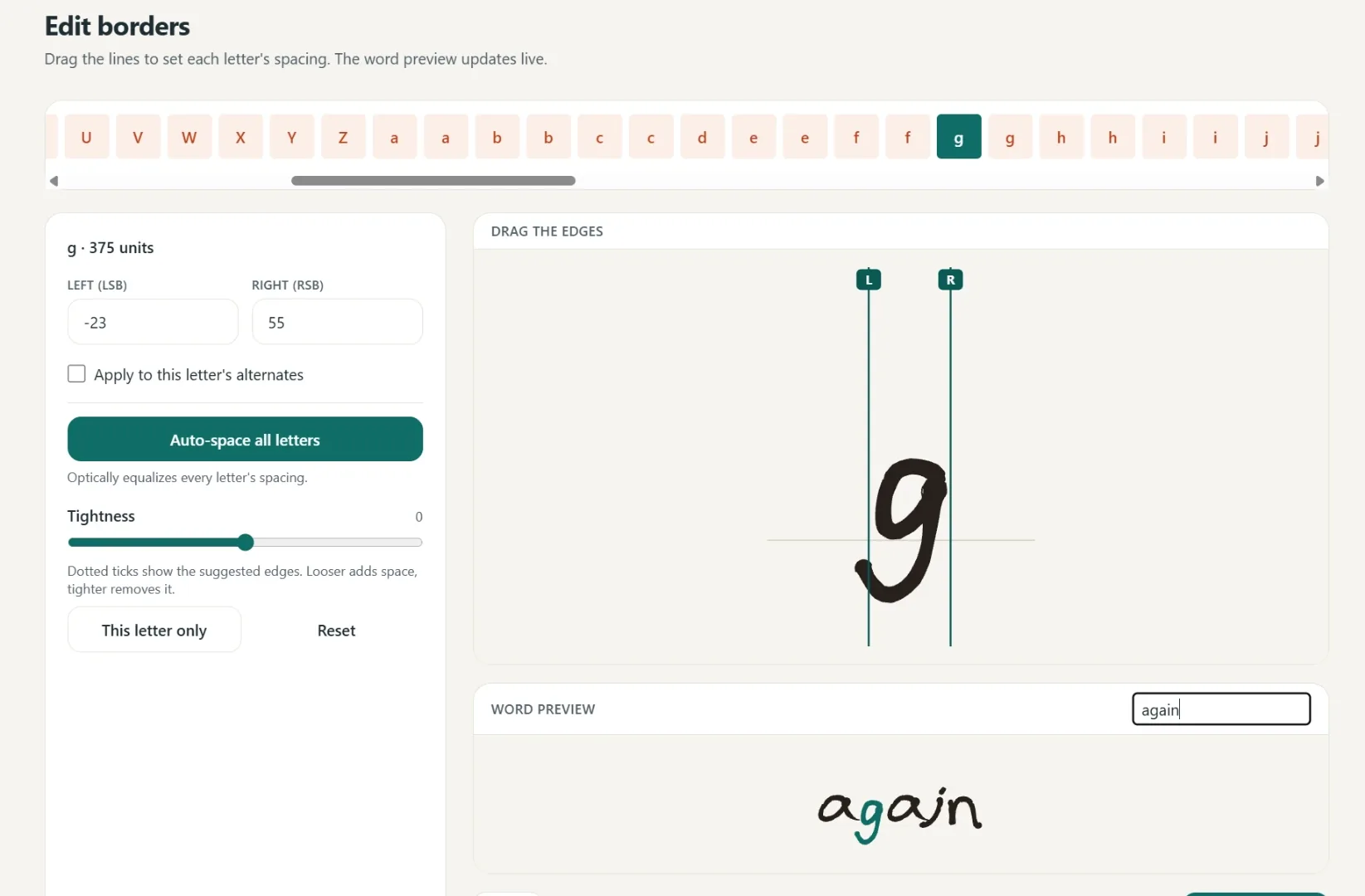
Spacing that starts smart
Borders are placed automatically, then you fine-tune any letter by hand.
One click equalizes every letter.
Drag the borders until it looks right.
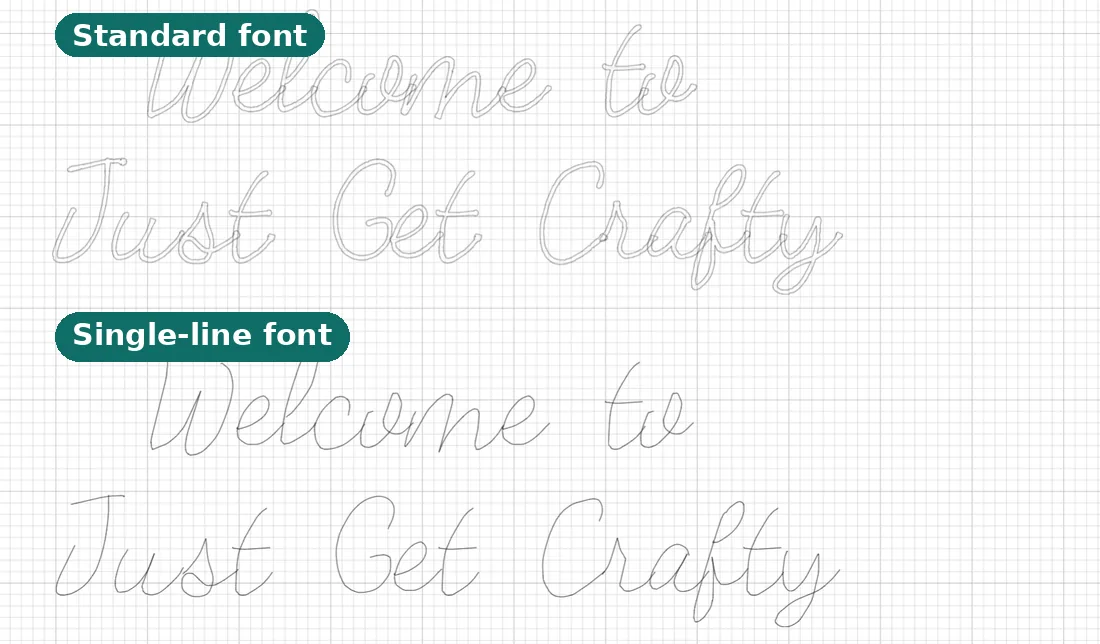
Two files, ready to make
Use it in Cricut or any app that takes fonts.
- Standard font
Full-outline, for everyday text.
- Single-line font
Plotter strokes, one clean pass.
- Yours to keep
Install it like any other font.
Love a font already? Convert it
Upload any OTF or TTF and every letter becomes one clean pen stroke, with the original spacing kept. Try it right here, free.
Convert your own font
Upload any OTF or TTF, watch every letter become one clean stroke, and type your own words with it. Free, no account needed. The installable OTF is Pro.
Want the full story? The font to single line page has the details, tips, and FAQ.
Turn any image into clean lines
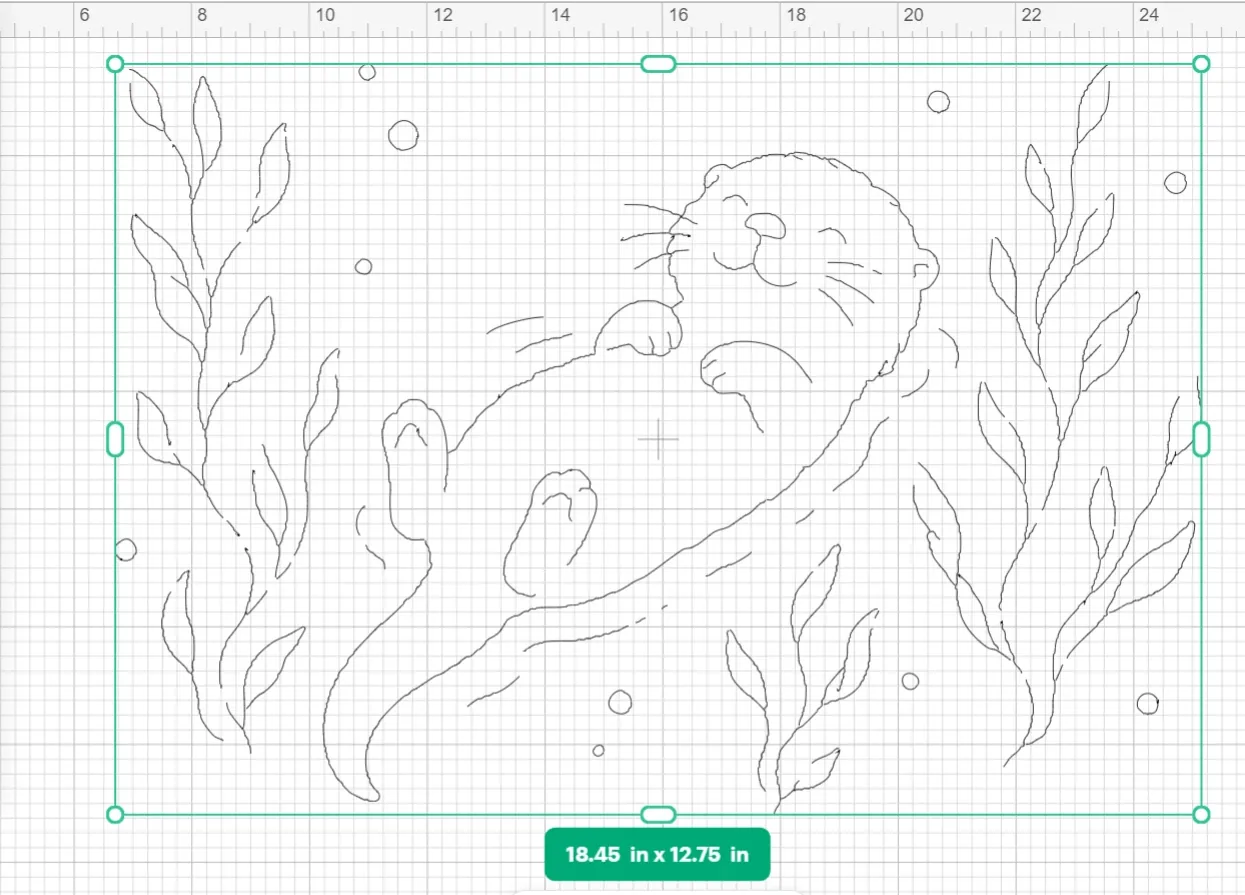
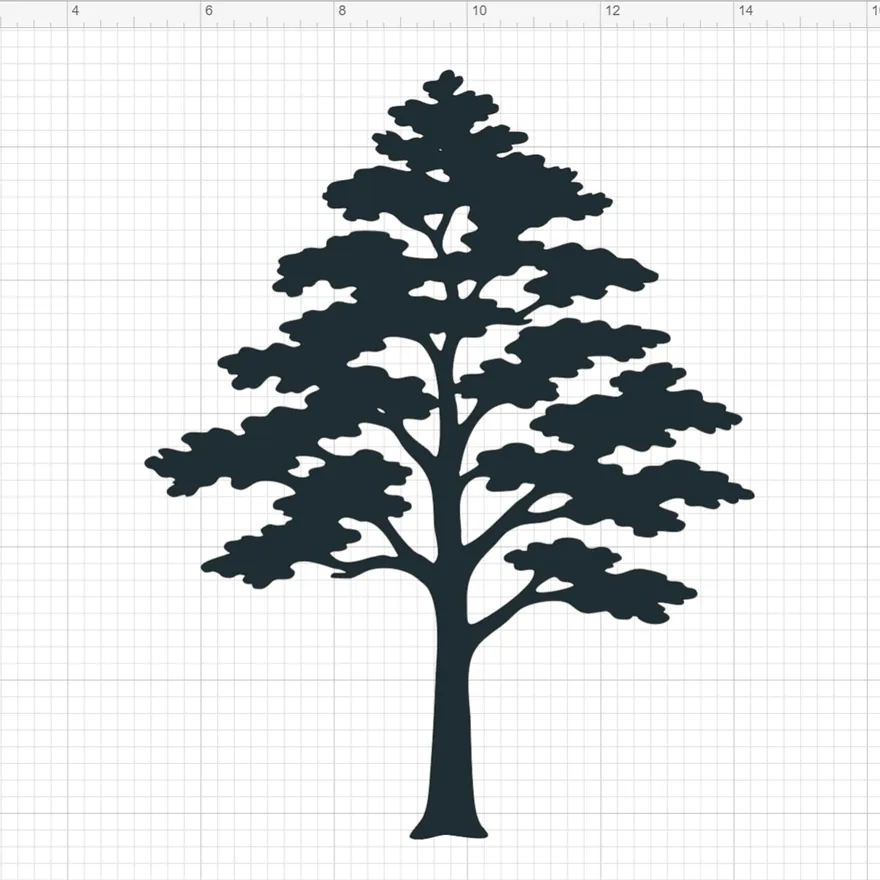
Drop in a logo, sketch, or photo. Get a single line to draw, or a clean cut file to cut.
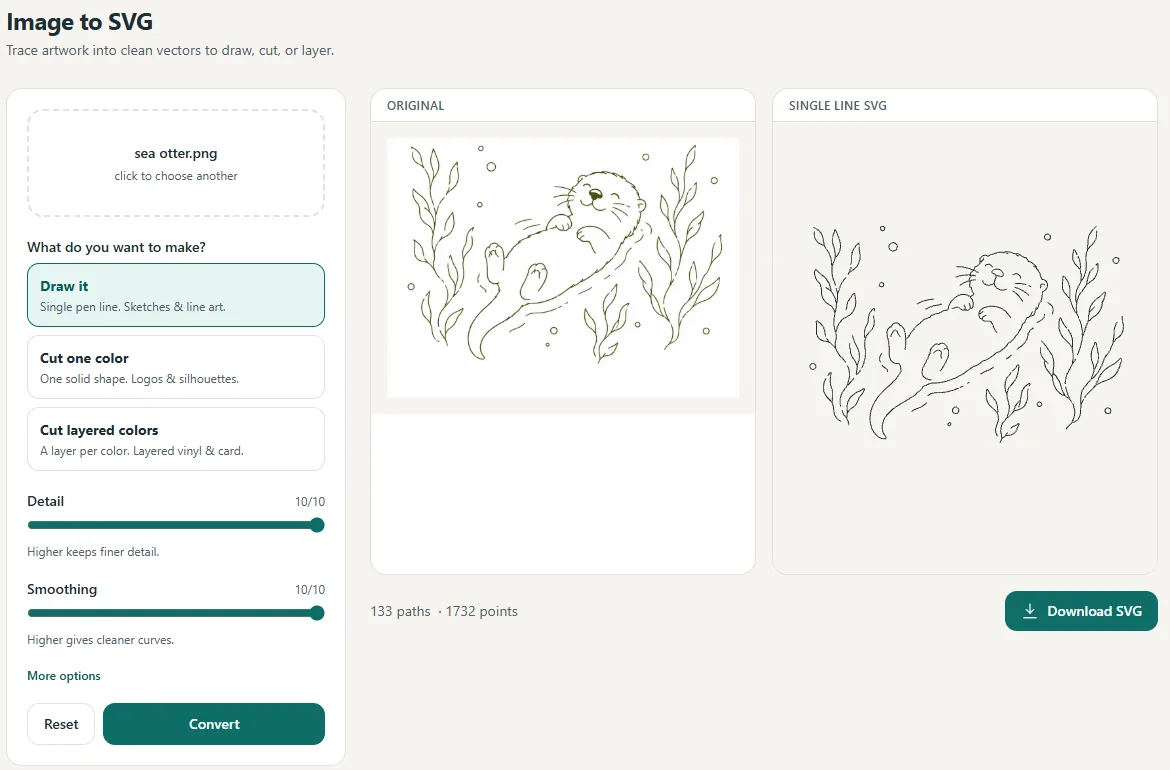
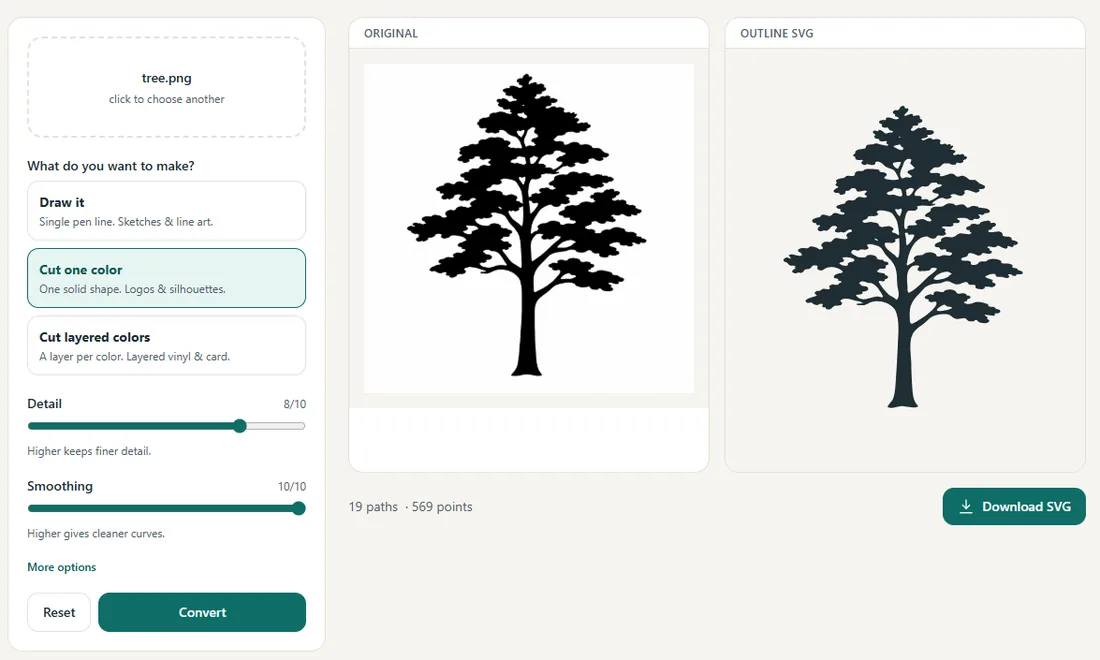
Pick what you're making
One upload, three ways out, for plotters or cutters.
Draw it
One clean pen line for sketches and line art.
Cut one color
One solid shape for logos and silhouettes.
Cut layered colors
A layer per color for vinyl and cardstock.
Address a whole stack at once
Pick an envelope, drop in one address or a whole CSV, and download a single-line file your pen draws.
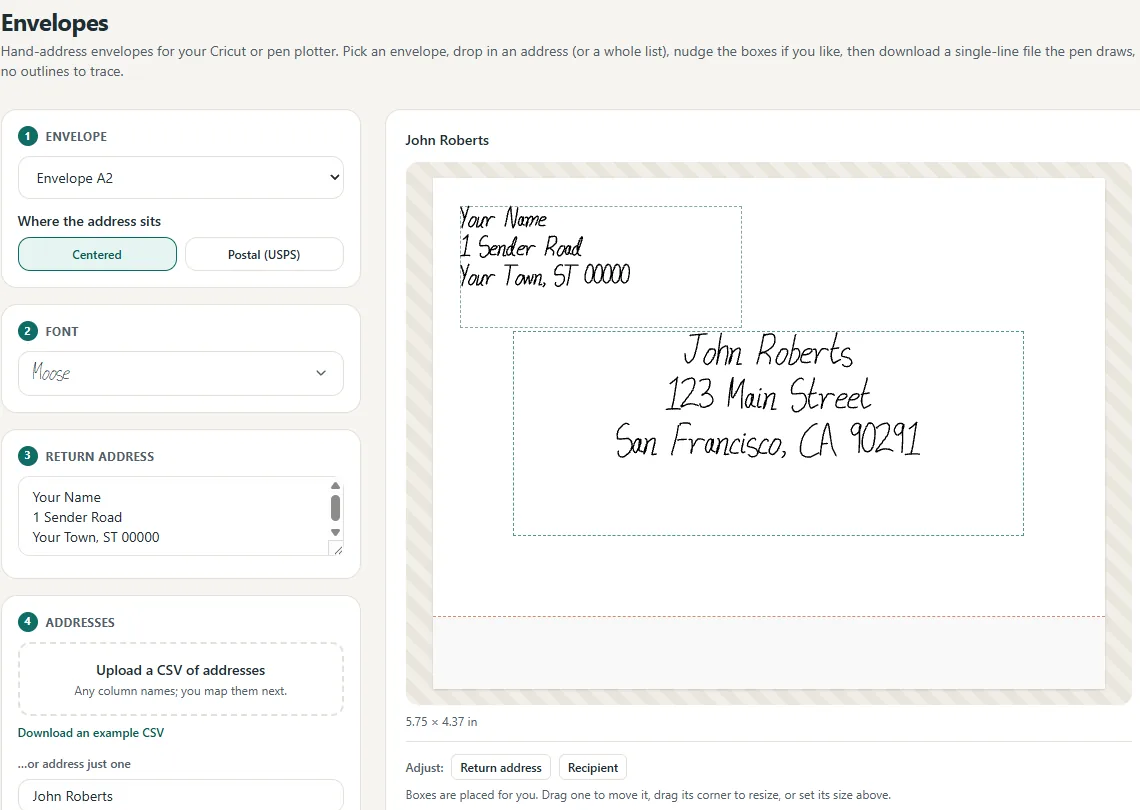
One address, or a thousand
Every CSV row becomes its own addressed envelope, ready to plot.
Map the columns once; the whole list is addressed.
Opens in Cricut at the right size.
The pen draws each address in one pass.
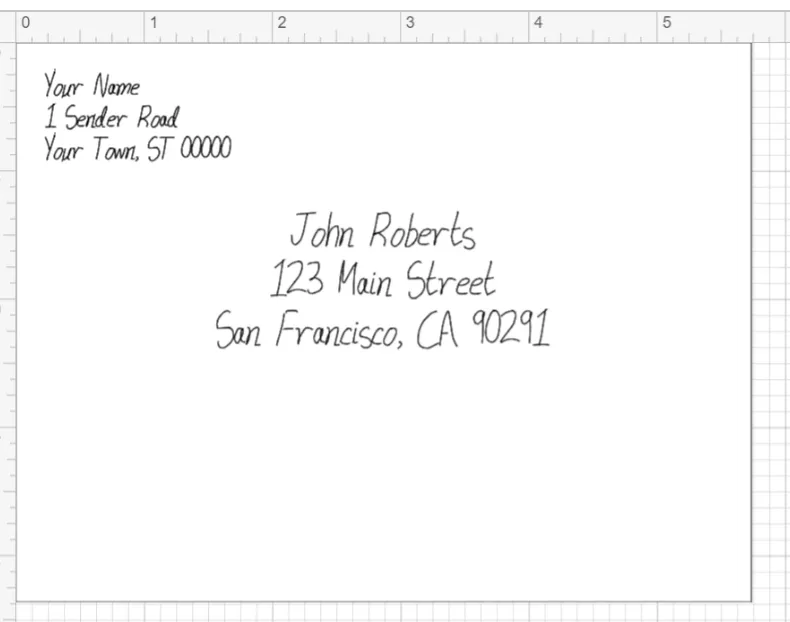
Opens in Cricut at the exact envelope size.
Faster plots, fewer mistakes
Reorder the strokes in any SVG so your pen stops criss-crossing the page.
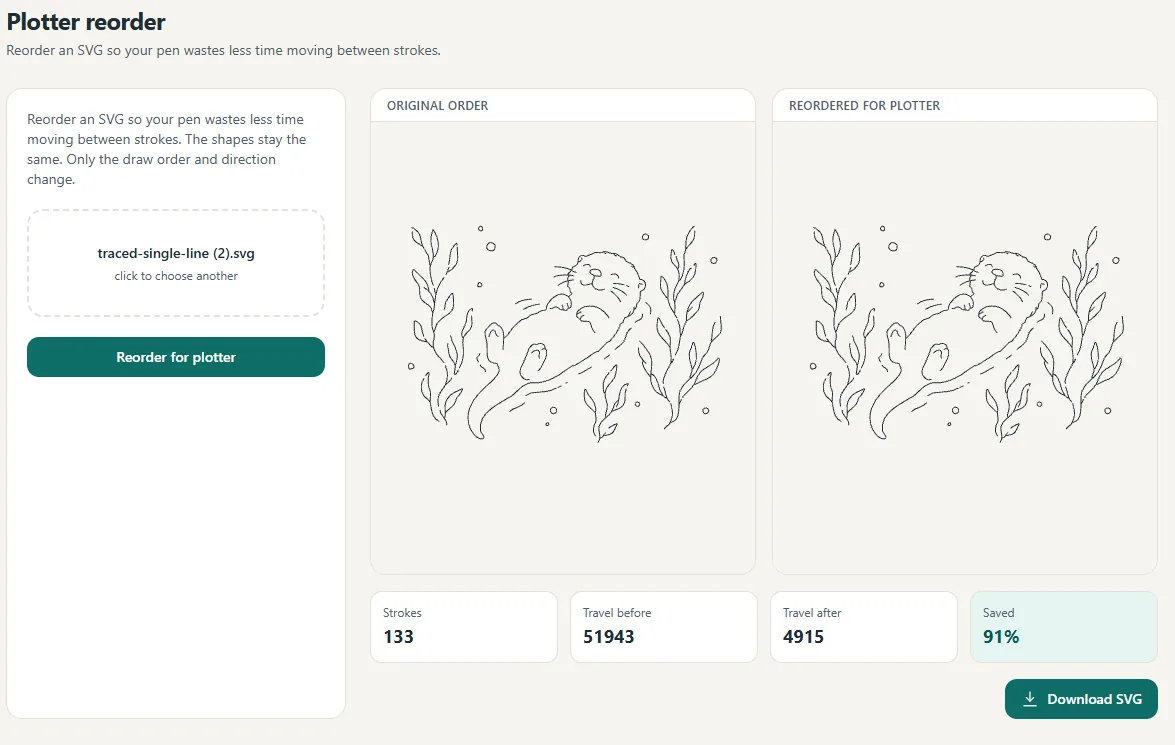
Pen-up travel dropped 91% here, with the strokes untouched.
Less travel
The pen takes the shortest path.
Fewer mistakes
Fewer skips, smudges and snags.
Same shapes
Only the order changes, not the art.
The rest of your toolkit
Free fonts
Download real single-line fonts free, no account needed.
Font to single line
Turn any OTF or TTF into a single-stroke font.
Layout and text
Arrange words and SVGs, sized for the plotter.
Saved fonts
Keep every font and re-download anytime.

Guides and tools for what you're making
Jump straight to the page for your machine or project.
Handwriting font generator
Draw your letters, download a real installable font.
Single line fonts for Cricut
Fonts your Cricut pen writes in one stroke, no bubbles.
Font to single line
Convert any OTF or TTF into one clean pen stroke.
Engrave handwriting
A photo of real writing becomes an engraving or cut file.
Handwritten recipe keepsake
Her recipe card, engraved on a cutting board.
Memorial handwriting
A loved one's writing, kept as jewelry or a keepsake.
Signature keychain
A real signature cut as one connected piece.
Image to SVG converter
Cut files and draw files from any picture or sketch.
Envelope addressing
Address a whole guest list from one spreadsheet.
Wedding envelopes
DIY addressing that looks hand-lettered.
Foil quill fonts
Single-stroke fonts made for clean foiling.
Engraving fonts
One clean path for lasers, Glowforge, and CNC.
Pen plotter fonts
For AxiDraw, NextDraw, EleksMaker, and friends.
Plotter SVG optimizer
Cut wasted pen travel before you hit plot.
Free single line fonts
Ready-made fonts, free to download with no account.
Font library
Every house font with its own page and big preview.
Calligraphr alternative
Draw on screen instead of printing and scanning.
Free to try. A few dollars to keep.
Ready-made fonts are free to download. Create and preview everything else free, and pay only for clean downloads of what you make.
Free
Draw and preview as many fonts as you like. Pay only to keep one.
- The full drawing studio, grid or one letter at a time
- Live previews of every font before you pay
- Ready-made fonts with a free account
- Envelope and layout previews
- Image to SVG single-line previews
Pro
Most popularor $48 / year (save ~33%).
- Unlimited fonts, plus the whole ready-made font shelf
- Clean, watermark-free SVG exports
- Batch addressing, tracing and plotter tools
- Fine and Bold weights, commercial license
Try Pro. If it is not for you, get a refund, no questions.
Secure checkout by Stripe. Cancel anytime. See our Refund Policy.